

Patients overview
This page shows you how to find a patient and open their record. The Patients screen lists every patient in your organization. Search for someone, open their record, or start new work.
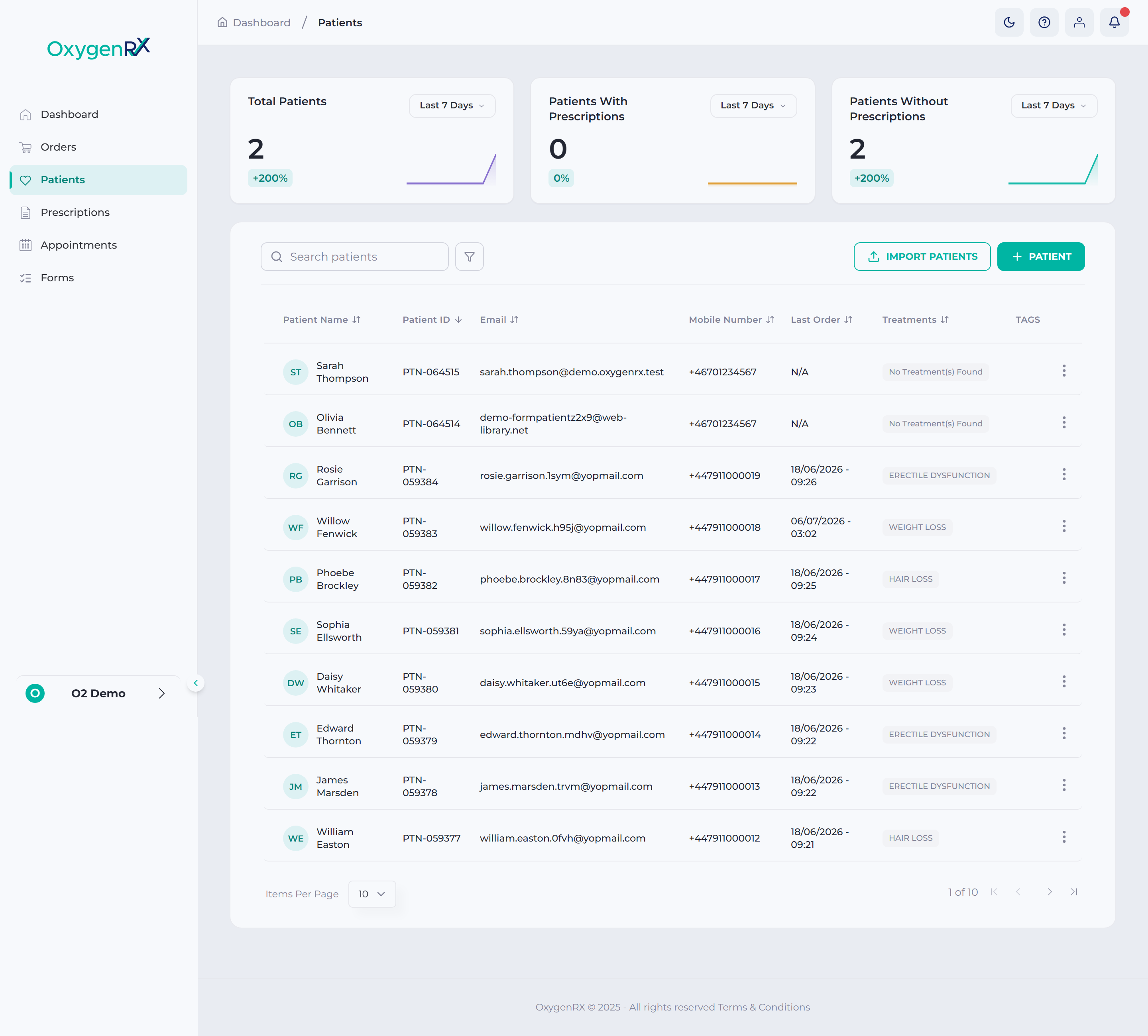
At the top, three cards show your total patients and prescription counts. Below the cards, use the search box to find a patient. Search by name, email, or phone number. A table lists every patient with their contact details, most recent order, and treatments. Treatments are the courses of care a patient is on (see treatment).
Open any patient to see their full record. From there you can view medical details, send a form, or book a consultation.