

Join by invitation
This page shows you how to join an organization after an admin invites you. An organization is the pharmacy or company you’re joining.
Who can do this: Anyone invited by an organization admin — as a prescriber, manager, or admin. The invite sets your role.
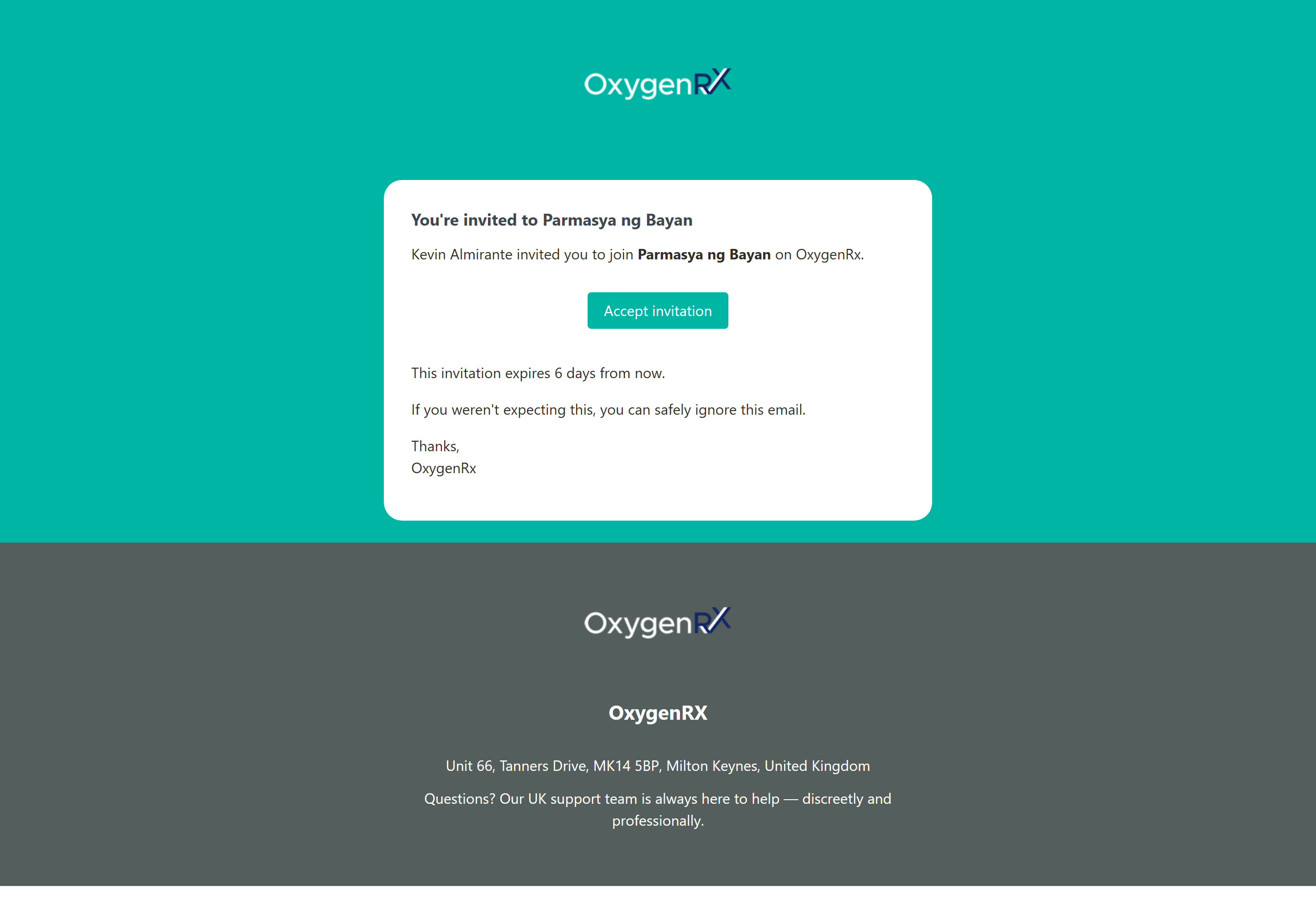
- Open the invitation email.
- Click Accept invitation.
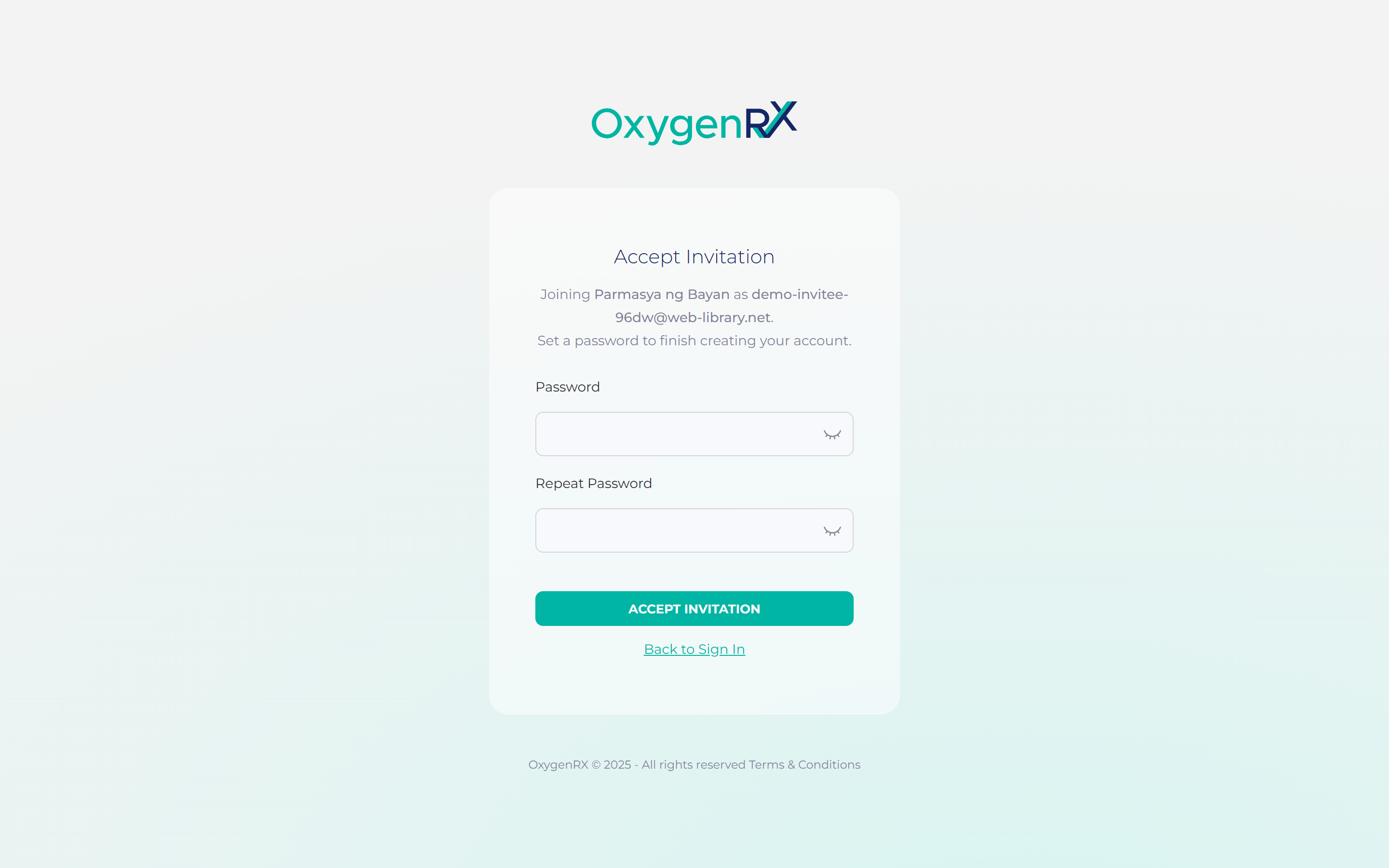
- Create a password that meets the rules shown on screen.
- Enter the same password again to confirm it.
- Click ACCEPT INVITATION.
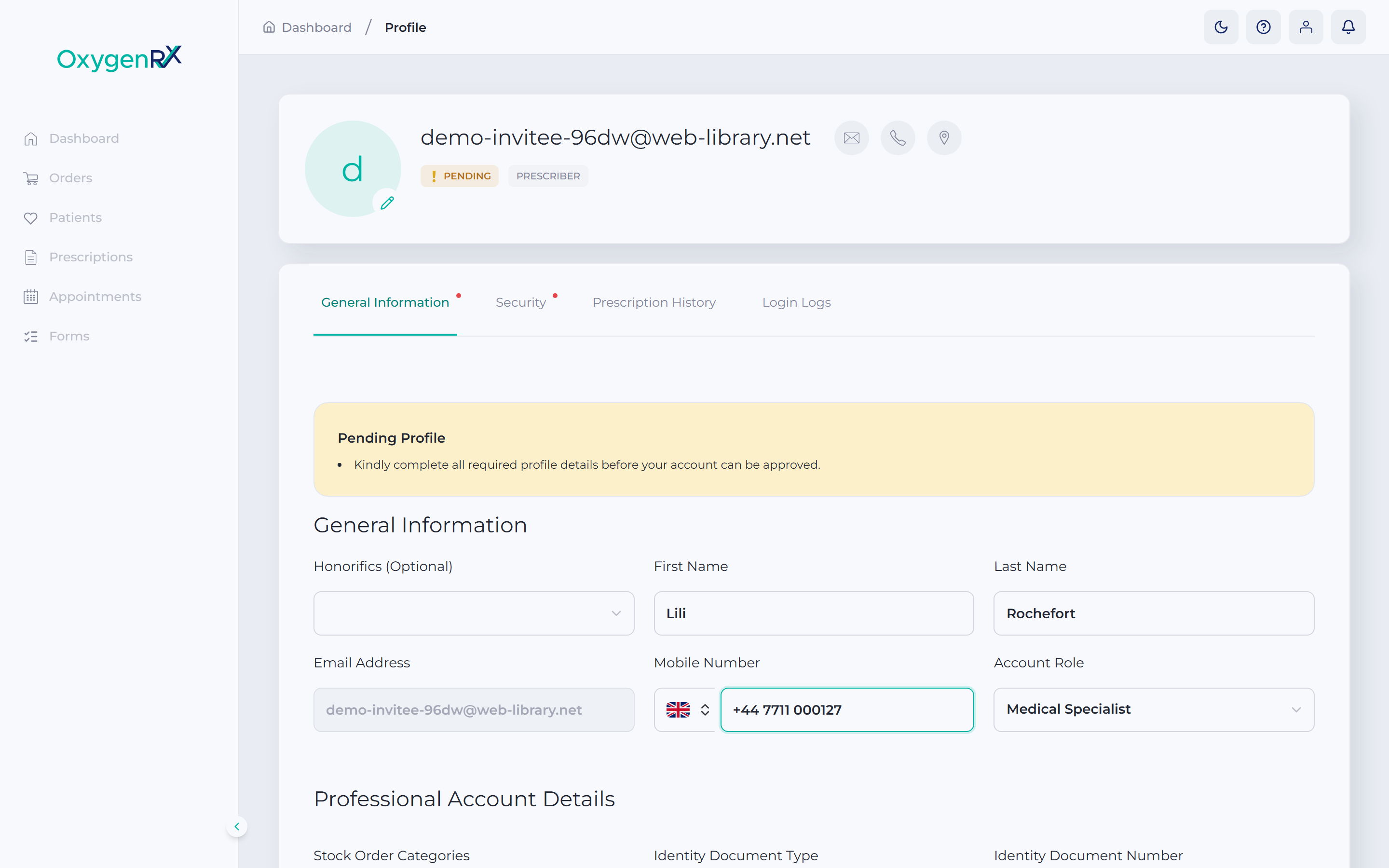
- On your profile page, enter your first name, last name, and mobile number.
- Click Save Profile.
What happens next
Section titled “What happens next”Your account is active and your profile is saved. You keep the role your organization’s admin set for you.
Set up your secure PIN next. A secure PIN is a 6-digit code. You enter it to confirm sensitive actions, like issuing a prescription. See Set your secure PIN.
If something goes wrong
Section titled “If something goes wrong”- “This invitation link is invalid or has expired. Ask your admin to resend it.” Ask your organization’s admin to send a new invite.
- “Missing invitation token” Open the link from your invitation email to continue.
- “Passwords do not match” Check both password boxes have the same text.
- “Must be at least 10 characters with uppercase, lowercase, number, and symbol”. Choose a stronger password and try again.