

What is OxygenRX?
This page shows you what OxygenRX is and what it lets you do.
OxygenRX is an online portal for pharmacies and prescribers. You use it to manage patients, prescriptions, and orders in one place. You sign in with your web browser, so there is nothing to install.
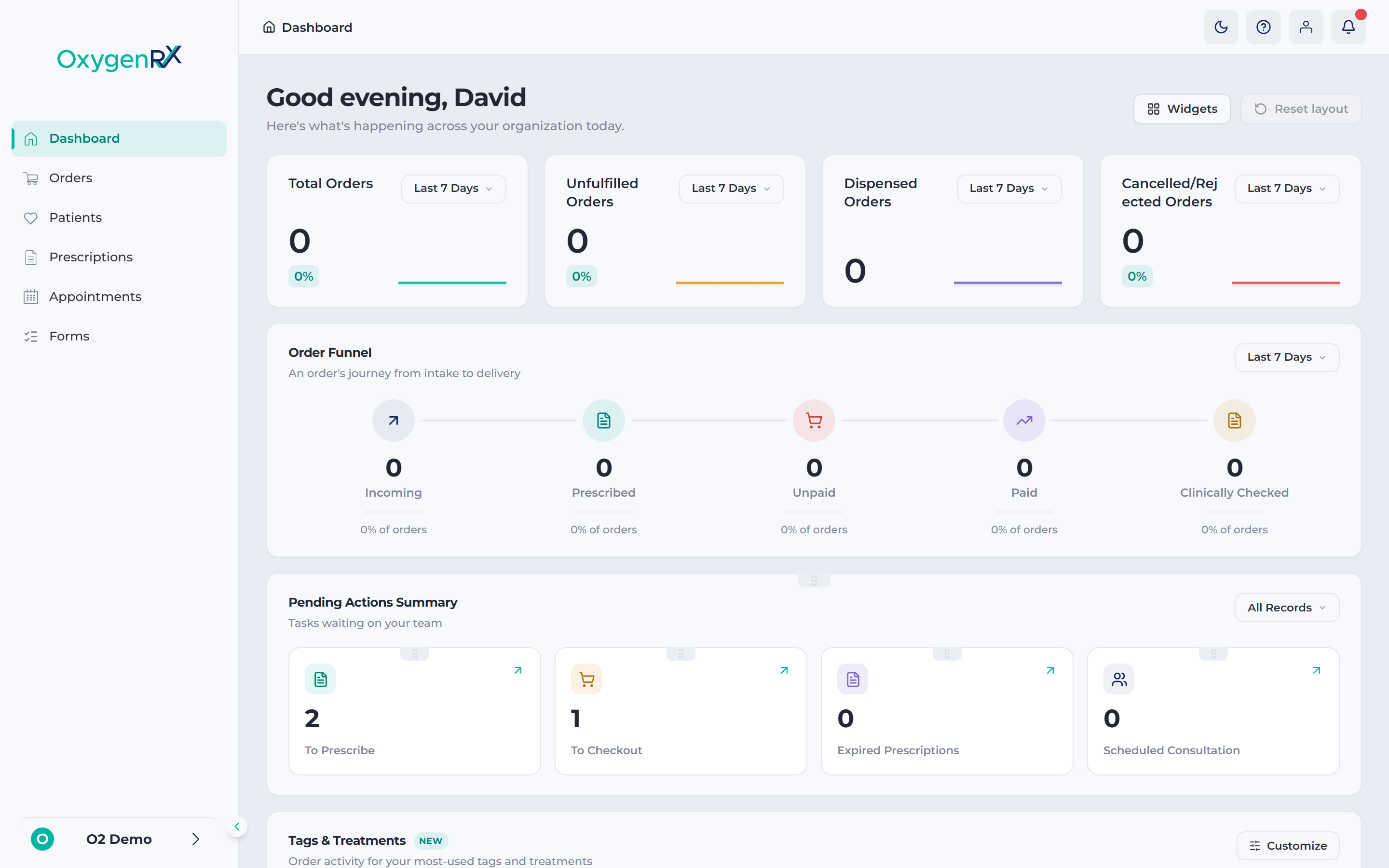
Anyone who works for a pharmacy or prescribing organization can have an account. Every account has a role, which sets what you can see and do. Common roles include Prescriber, Manager, and Admin. A Prescriber creates and issues prescriptions. A Manager oversees daily operations. An Admin manages users and settings.
With an OxygenRX account you can:
- Add and manage patient records
- Create and issue prescriptions
- Track orders from prescribing through to delivery
- Book and join patient appointments
- Invite colleagues and manage their roles
Before you can use OxygenRX, you need an account. Pick the guide that matches you: