

Create an account: pharmaceutical company
This page shows you how to create an OxygenRX account for a pharmaceutical company.
Who can do this: Anyone setting up a new pharmaceutical company account. You do not need an existing account to start.
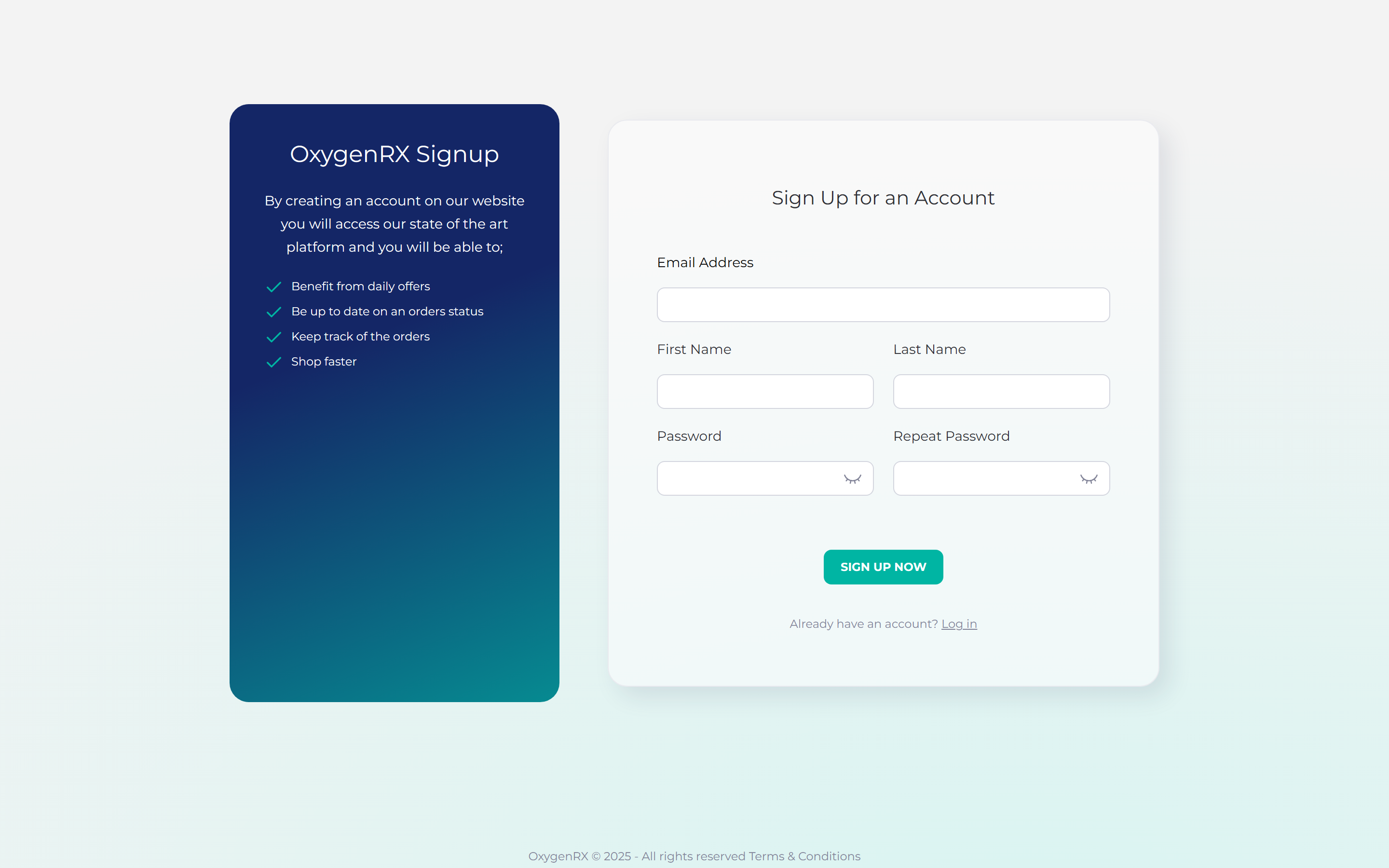
- Go to the sign-up page.
- Enter your email address, first name, and last name.
- Create a password that meets the rules shown on screen.
- Enter the same password again to confirm it.
- Click Sign Up Now.
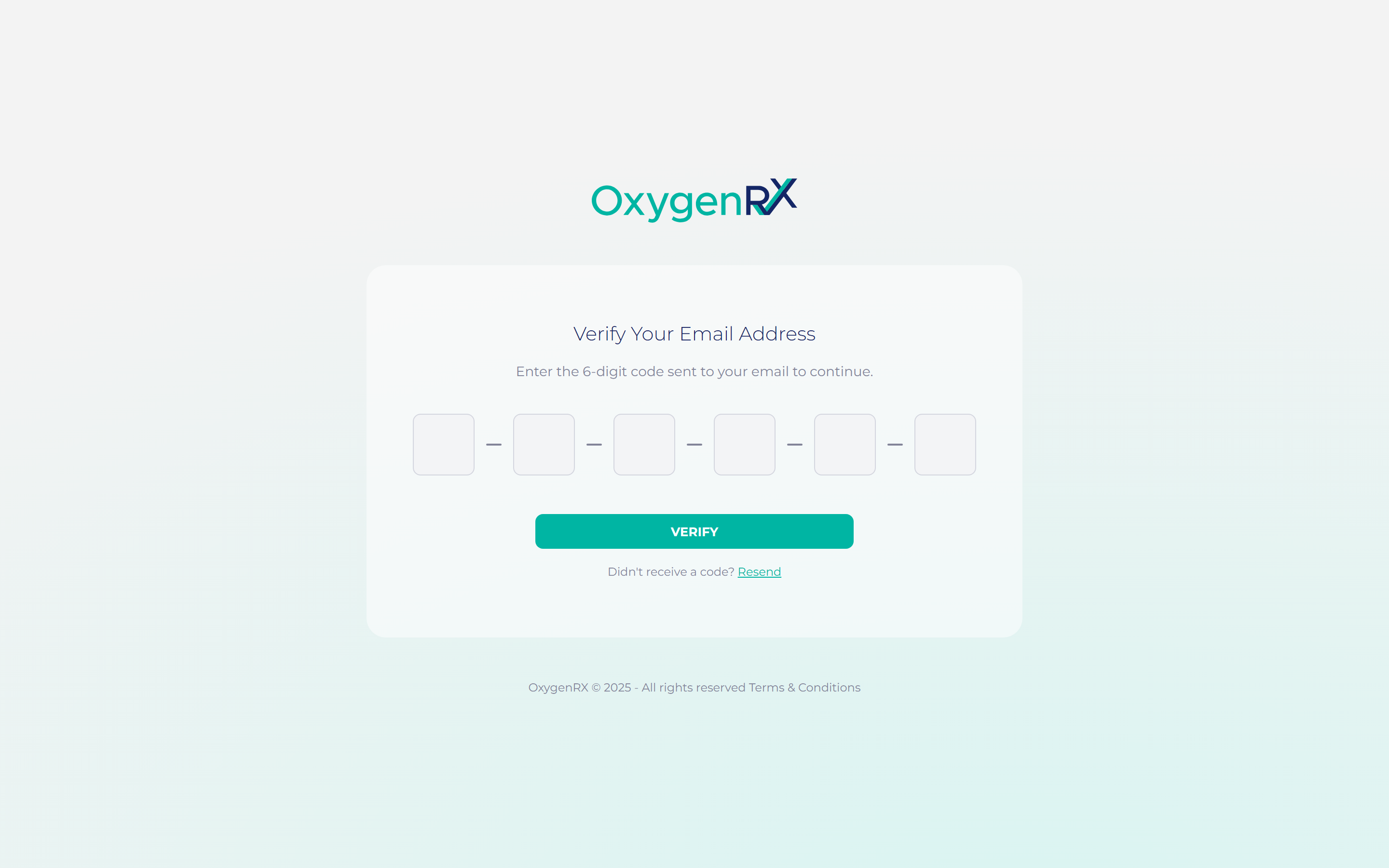
- Open the verification email you receive.
- Enter the 6-digit code from the email.
- Click VERIFY.
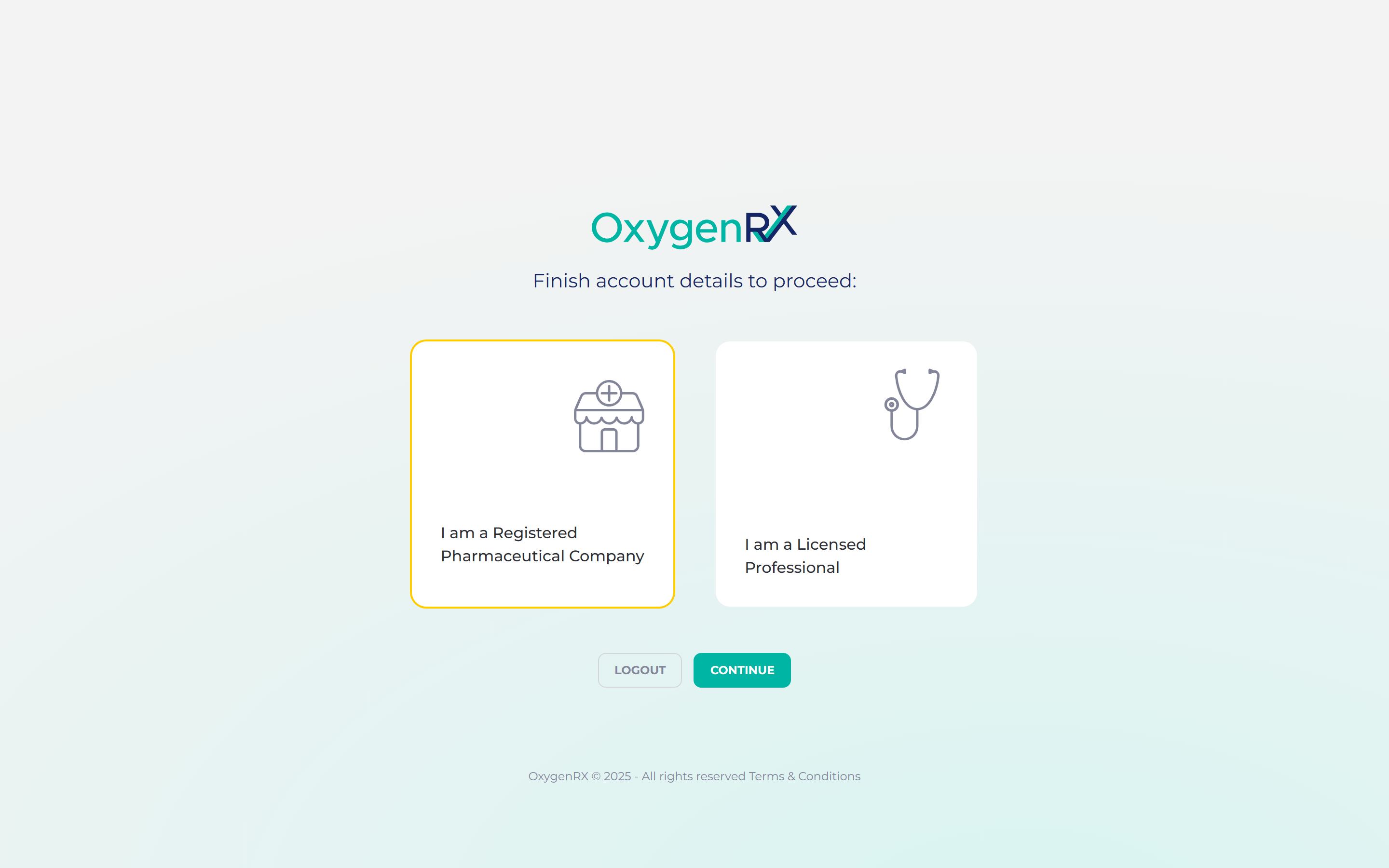
- Select “I am a Registered Pharmaceutical Company”.
- Click Continue.
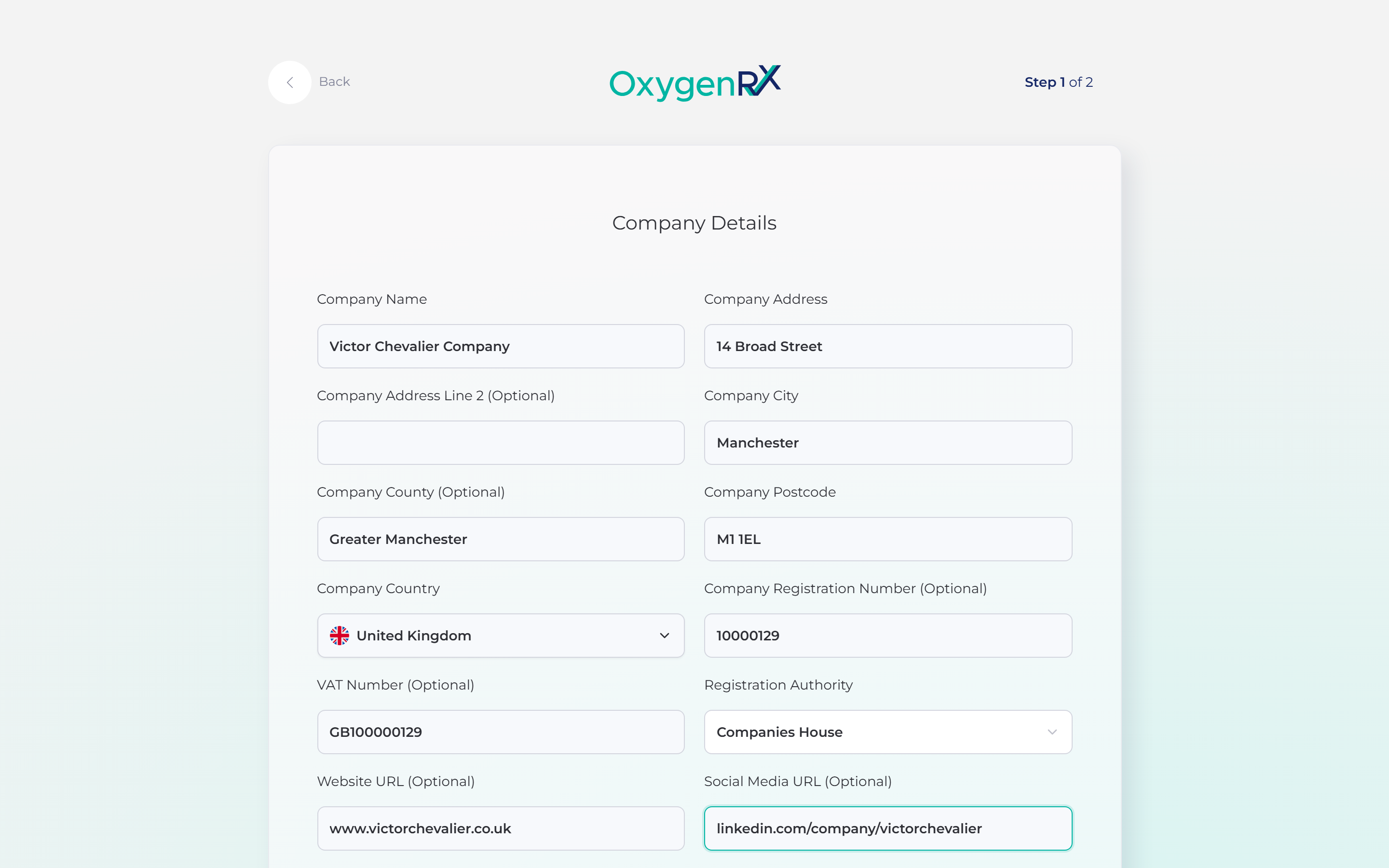
- Enter your company name and address.
- Enter your company’s city and postcode.
- Choose your company’s country. You can type to search the list.
- Choose your registration authority from the list of choices.
- Click Continue.
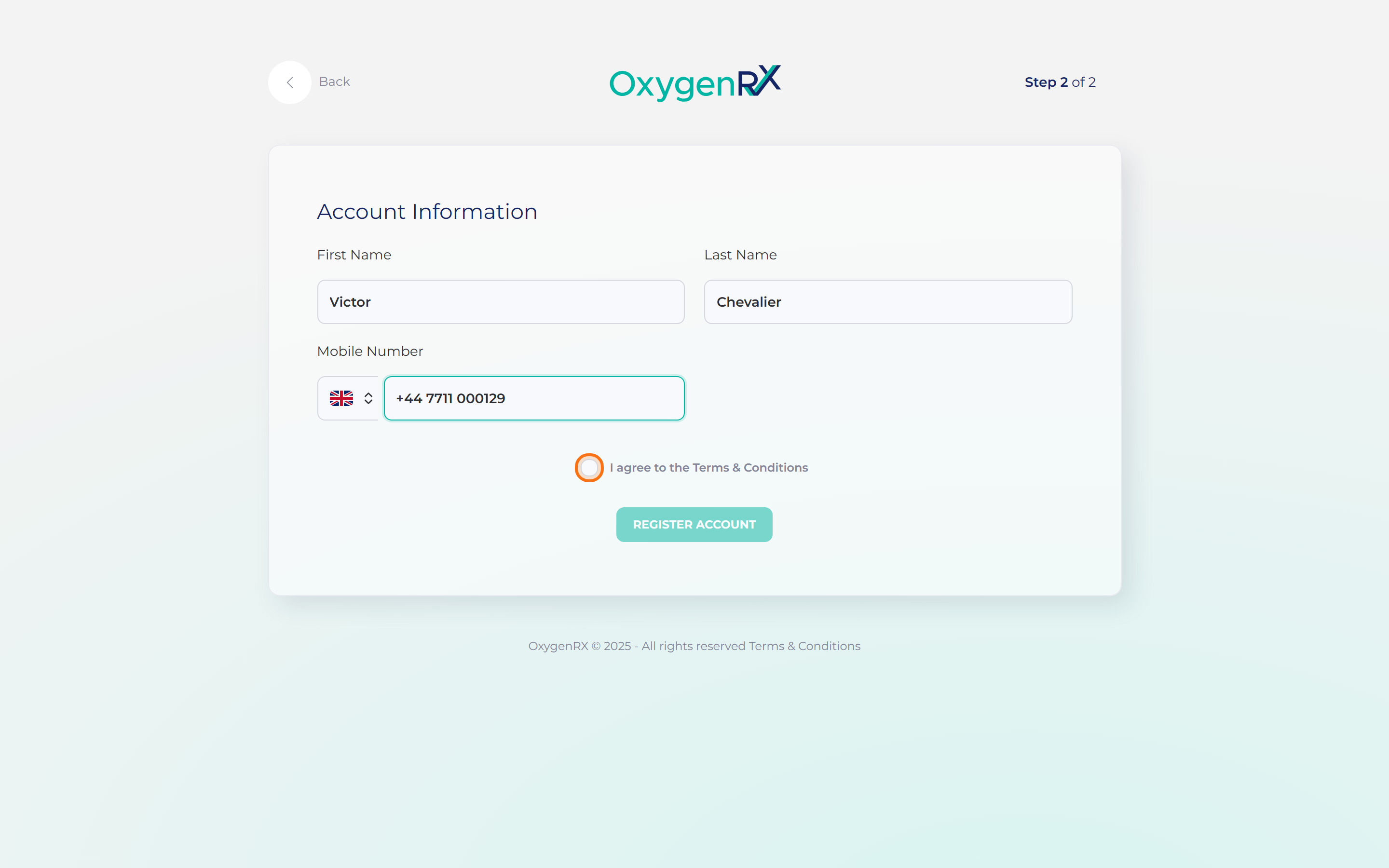
- Enter your first name, last name, and mobile number.
- Tick the box for “I agree to the Terms & Conditions”.
- Click Register Account.
What happens next
Section titled “What happens next”You land on your profile page. Your company account is ready to use.
Set up your secure PIN next. A secure PIN is a 6-digit code. You enter it to confirm sensitive actions, like issuing a prescription. See Set your secure PIN.
If something goes wrong
Section titled “If something goes wrong”- “An account with this email already exists. Try signing in instead.” Go to the sign-in page instead of signing up again.
- “Invalid or expired code. You can resend a new one below.” Click Resend to get a fresh code.
- “Passwords do not match” Check both password boxes have the same text.
- “Invalid UK Postcode” Check the postcode format and try again.
- “Company Name is required”, “Company Address is required”, or similar. A box was left empty — fill it in and try again.