

What patients see when filling a form
See what a patient experiences when they open a form you’ve sent them.
Who can do this: Patients — no Oxygen account or password needed.
🎬 Video
a patient opening, filling in, and submitting a form
organization-forms-patient-form-experience.mp4- The patient gets an email with a link to the form.
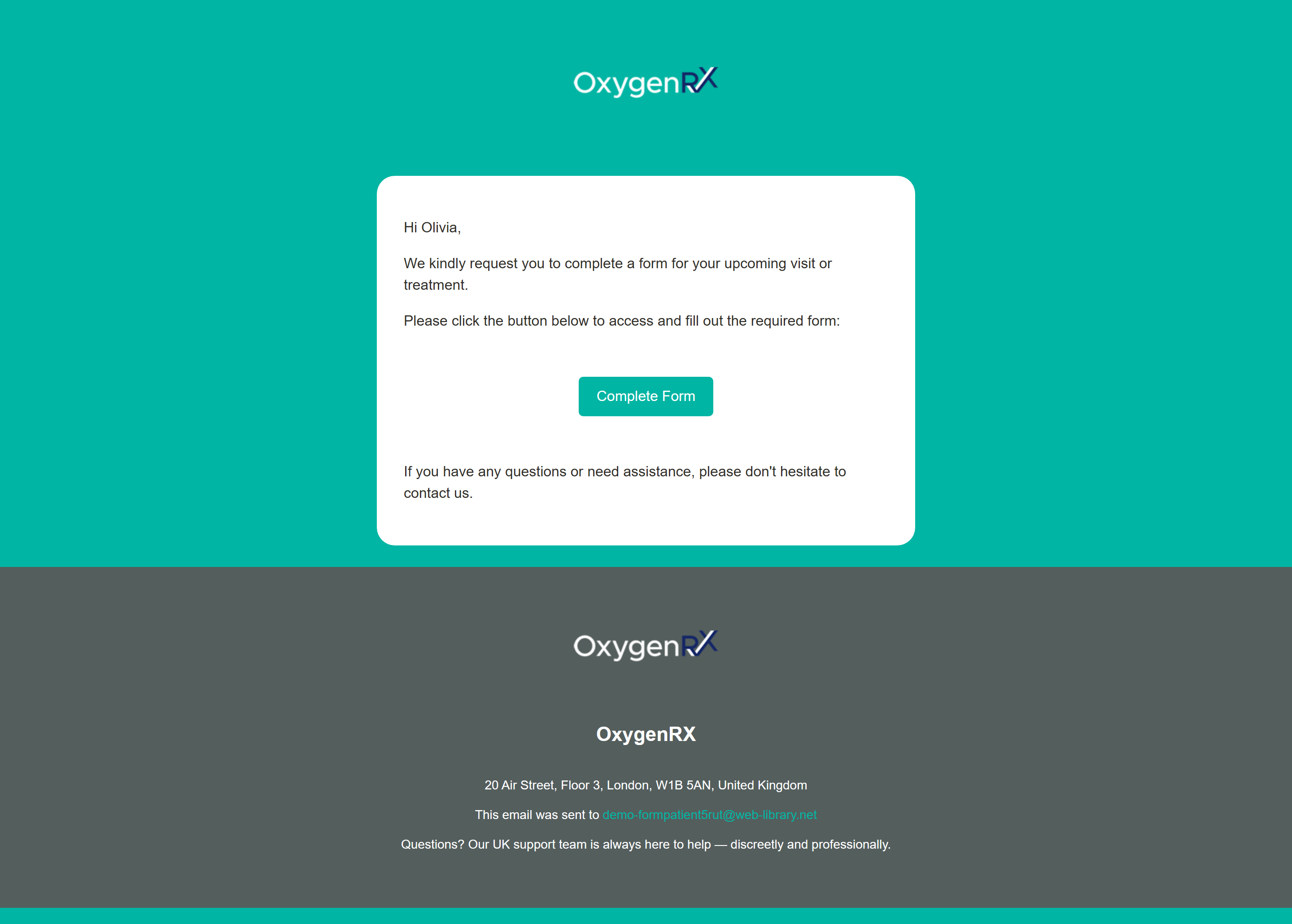
- They click the link. The Oxygen logo bounces briefly while the form loads. Then the form opens, showing your organization’s logo, colors, and a progress bar.
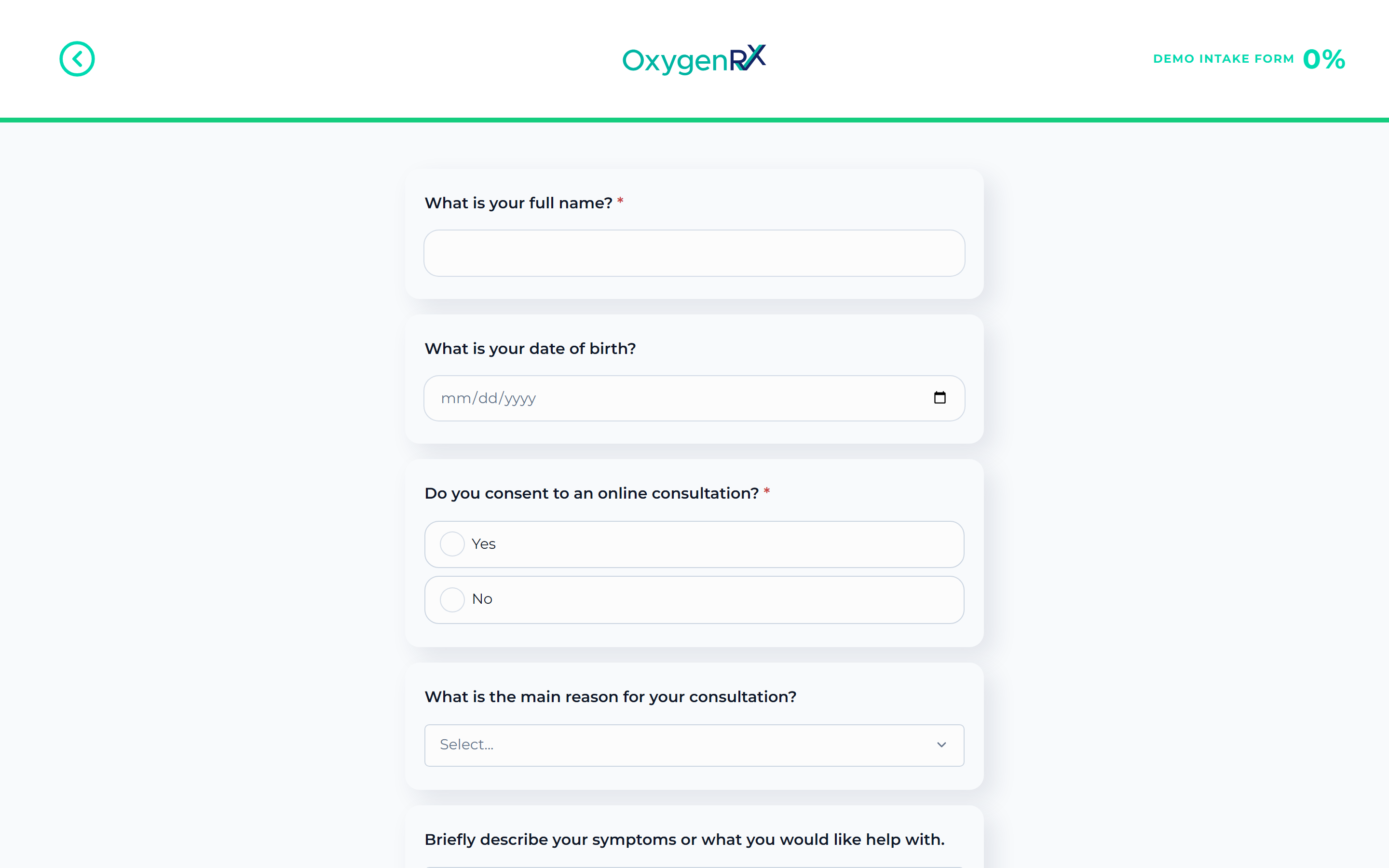
- The patient answers questions one page at a time, using Back and Continue.
- On the last page, they click Continue to submit.
While submitting, the patient sees “Submitting your answers…” and is asked not to close the window.
What happens next
Section titled “What happens next”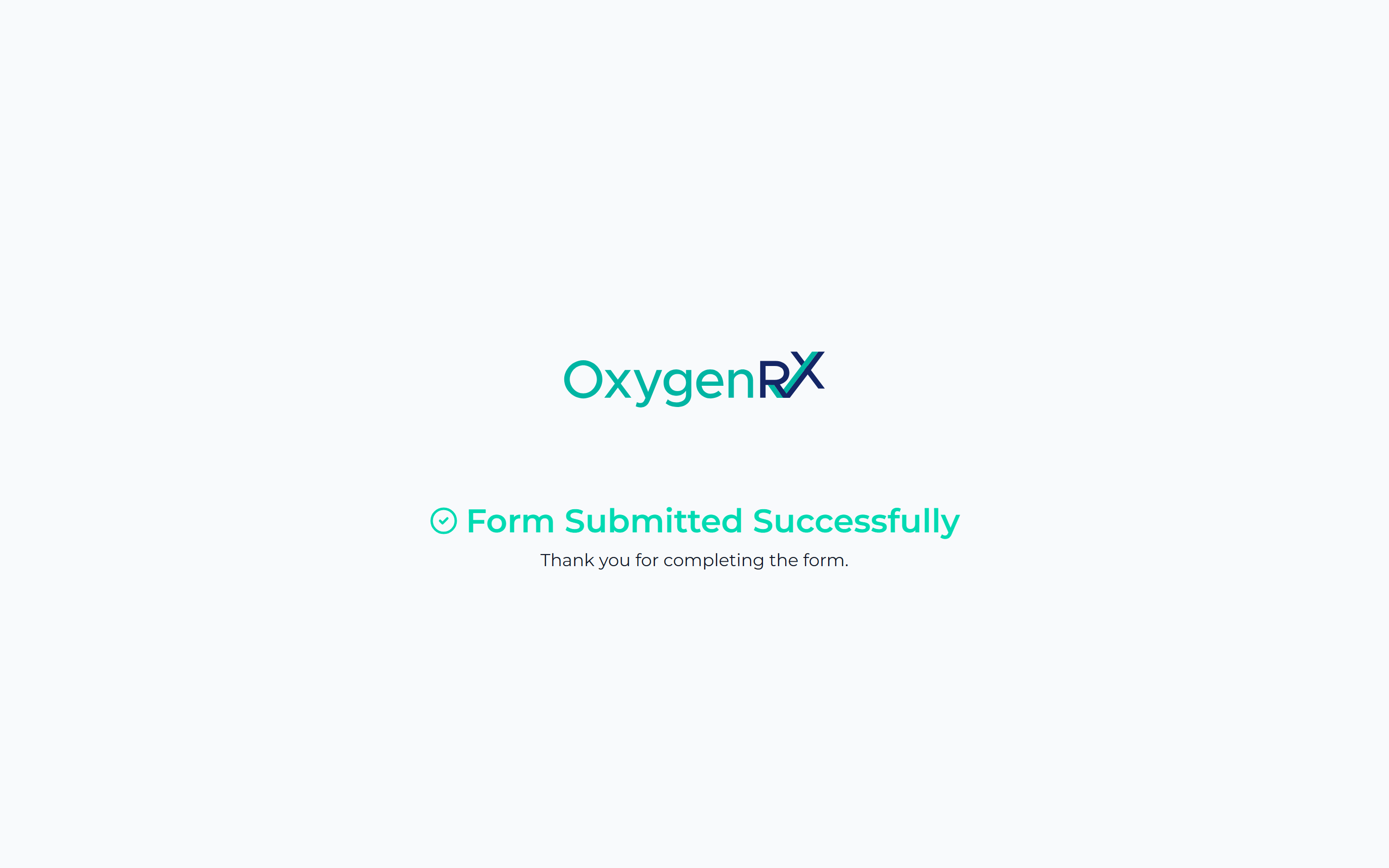
The patient sees a Form Submitted Successfully screen thanking them. If they open the same link again, they see Form Already Submitted instead. Their answers appear in their patient record for you to review.
If the patient leaves partway through, Oxygen remembers their answers. It also remembers their current page in that browser. They can pick up where they left off.
If something goes wrong
Section titled “If something goes wrong”- “You aren’t eligible” — shown when an answer rules out treatment. The patient sees a warning and a Review your answers button. It lets them change their answer and continue.
- “Error loading form” — the link is missing, invalid, or the form couldn’t load. Ask the patient to use the original link again, or send a new one.
- A file over 5MB is rejected with “File must be 5MB or smaller.” Ask the patient to use a smaller file. Unsupported file types are rejected too. Ask the patient to save it as one of these instead: jpeg, jpg, png, pdf, doc, docx, ppt, pptx, xls, xlsx, txt, or odt.
- The patient can’t submit while a file is still uploading. Oxygen shows “Please wait for file upload to complete before submitting.” Ask the patient to wait for the upload to finish, then click Continue again.