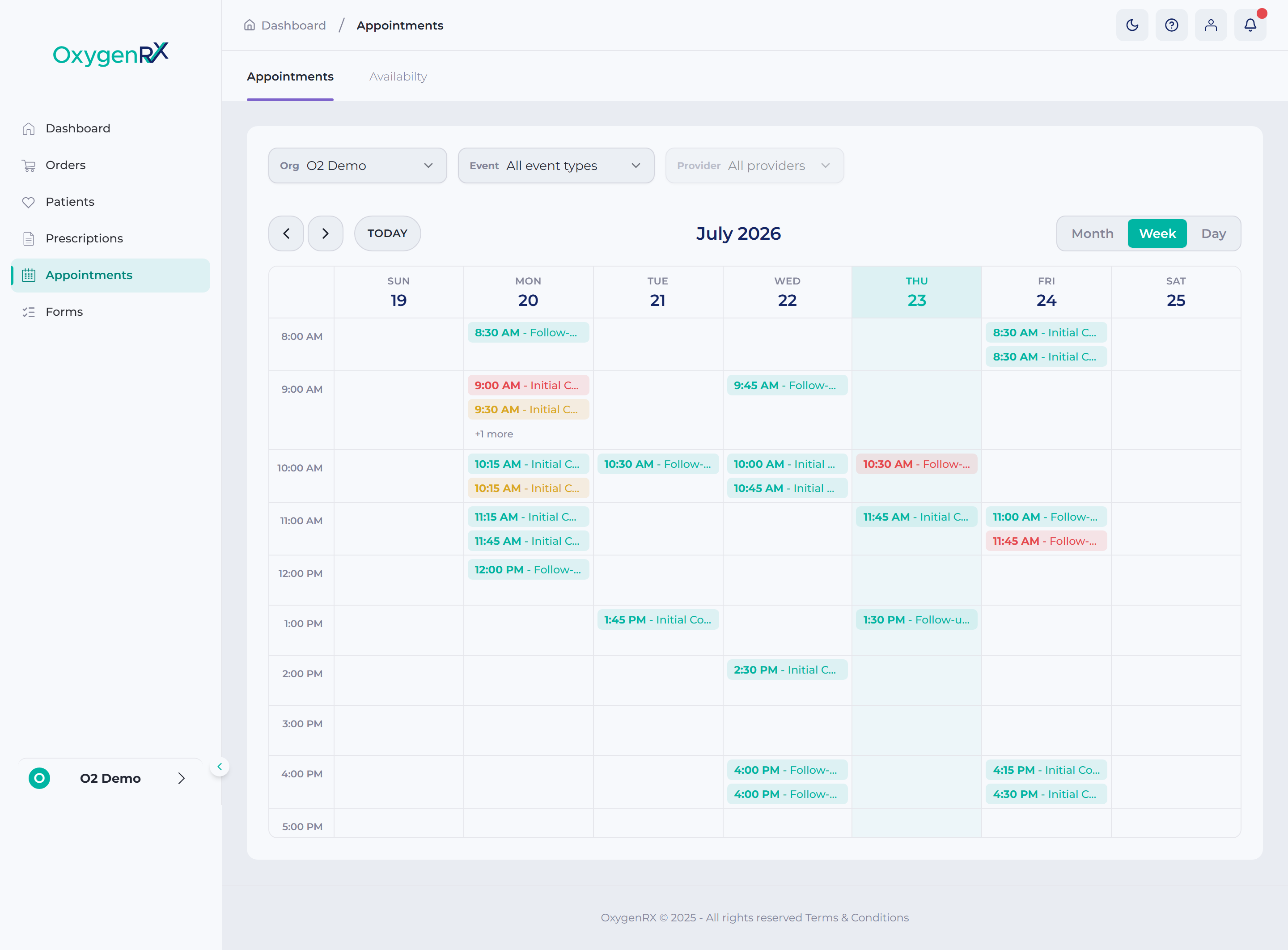

Appointments overview
This page shows you what you can do on the Appointments screen. From here you open a booking and join a video call. You can also change or cancel a booking, and write up your consultation notes. The screen lists every booked video, phone, and in-person consultation.
Patients book their own appointments using a link you send them. That link walks them through choosing a consultation type and picking a date and time. If one is needed, they also fill in a short online form first. Once they confirm, the booking appears on your Appointments screen.
Some team members also manage prescriber availability and appointment settings for your organization. Your organization is the pharmacy team you’re signed in under. Those screens aren’t covered in this guide.